Manufacturing

HVAC Product Selection Web App

Turning a spreadsheet into a sales tool for HVAC

Seeley's product selection lived in a spreadsheet only a few people could run with confidence.

Seeley International make Climate Wizard, a range of indirect evaporative cooling units for commercial and industrial buildings. Picking the right model and quantity for a site meant working through a macro-heavy Excel calculator.

CodeFish Studio was brought in to turn that calculator into a web app that sales reps, engineers and Seeley's own team could use without help.

The Challenge

A sales rep often has a photo of the building and little else, but still needs the right unit.

Two very different people need an answer from the same tool. A consulting engineer arrives with loads, airflow and set points from a building model. A sales rep often has a location, a rough idea of how the space is used, and a photo.

The spreadsheet served neither well. It held years of engineering logic, but it was hard to share, hard to update, and easy to break. Every new product or data change meant another version of the file.

Seeley also wanted the calculator off their marketing website and its old login system, with existing users and data moved across. And they did not want a tool that only pointed to one standard unit. It had to compare a range of models for each job.

The Approach

We scoped the calculator line by line with Seeley's engineers before designing a single screen.

We started by pulling apart the spreadsheet with Seeley's team. Every formula, lookup table and custom function was traced and written into a scope document, so both sides agreed on what the numbers should be before any code was written.

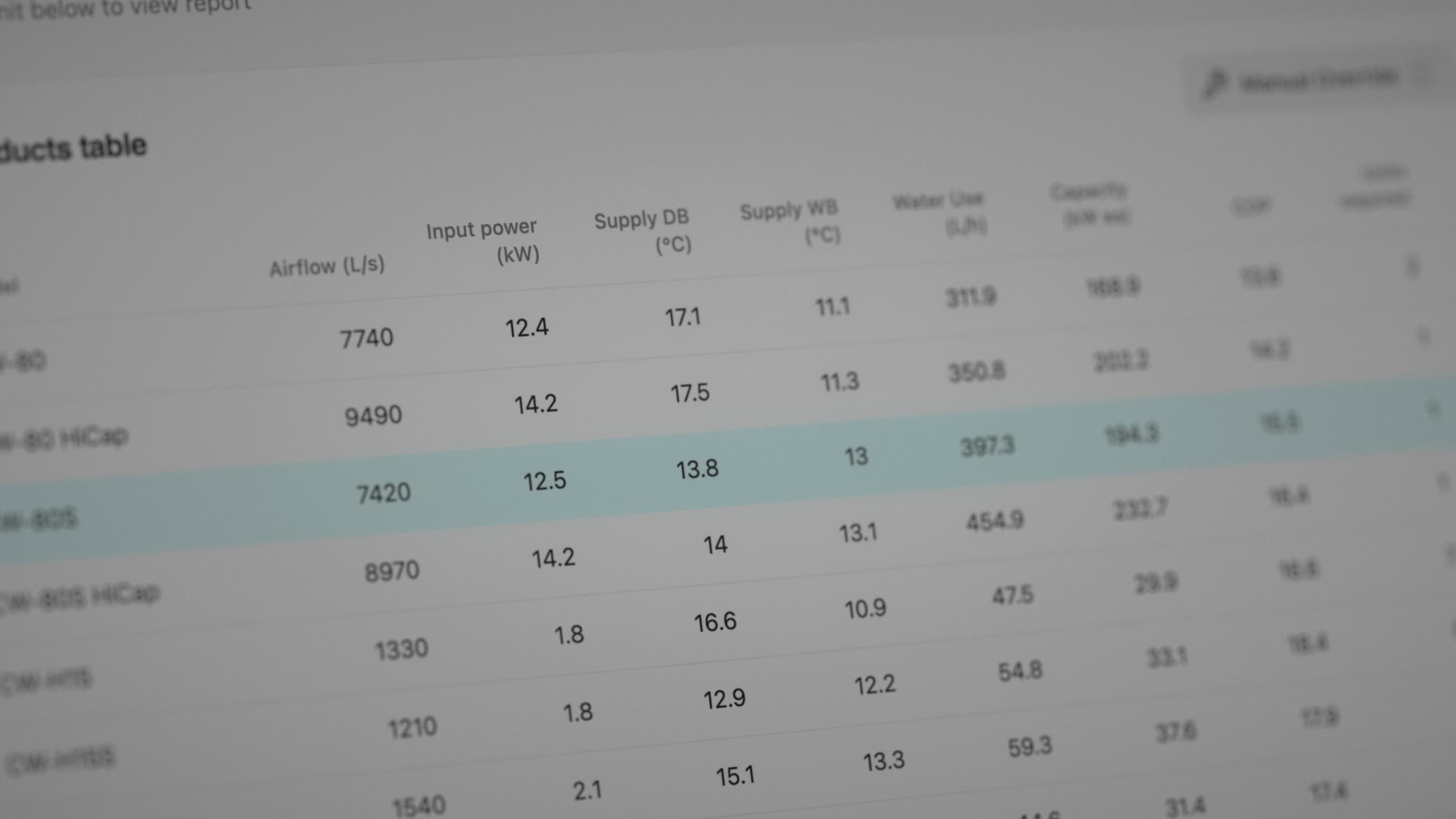
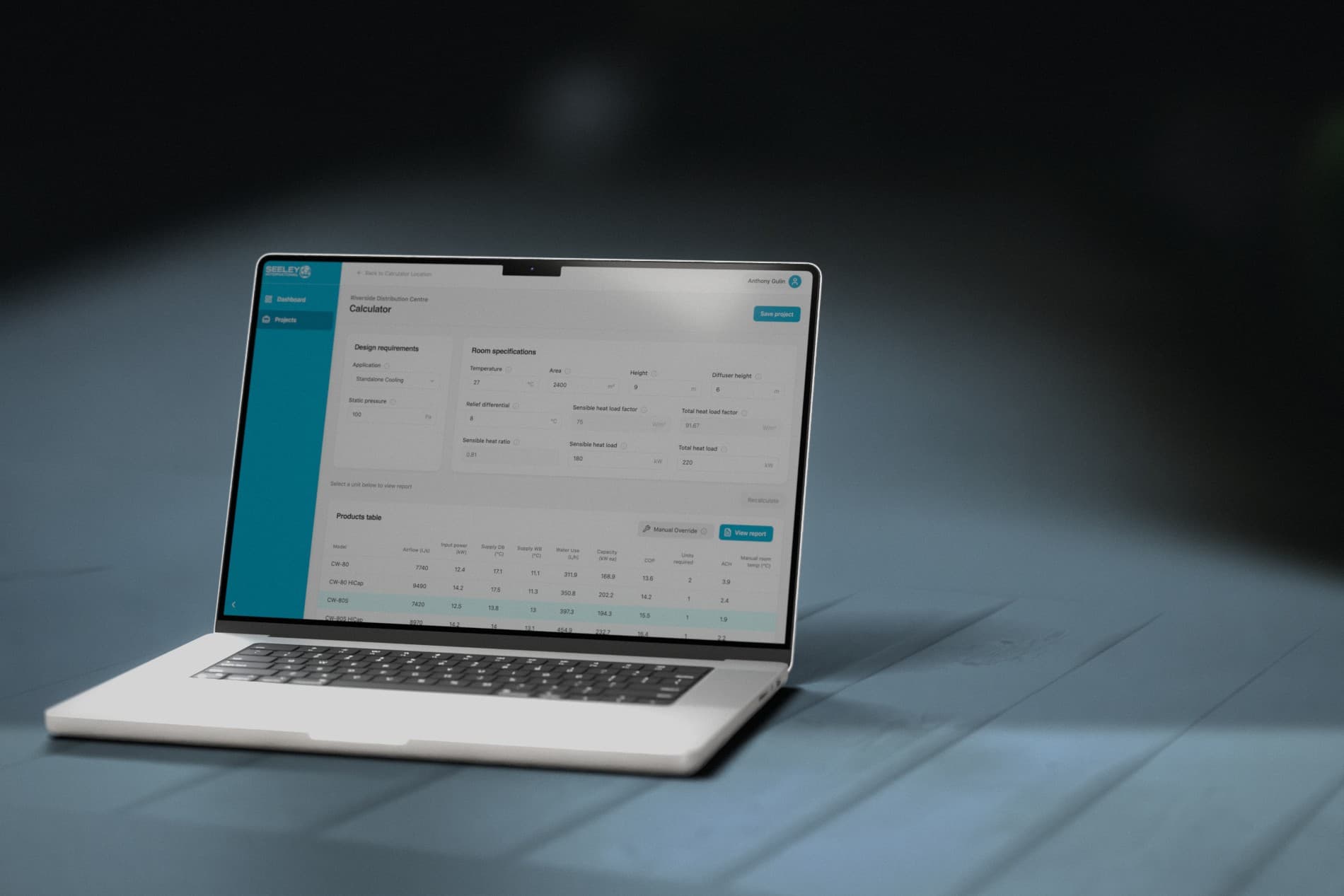
The design then followed the job, not the spreadsheet. You set a project location, and the app fills in local climate conditions you can override. You choose an application type, enter your design needs, and see how each model performs side by side. You can change the quantity of units and see the effect straight away.

The maths runs on PsychroLib, an open psychrometric library, so the air calculations follow a known standard. Fan curve charts show whether a unit can handle the pressure, and the app flags inputs that fall outside a sensible range.

Seeley's team run the data themselves. Admins can add products, upload new performance tables, update climate data and pricing, and manage users and roles, all without a developer.

Three cooling modes

Stand-alone, pre-cooling and spot cooling in one tool.

Model comparison

Compare Climate Wizard models side by side for each job.

Climate data by location

Local conditions filled in for you, with overrides.

Self-serve admin

Seeley updates products, tables and pricing without a developer.

The Solution

Seeley now has one web app for unit selection that its own team can keep up to date.

Sales reps and engineers sign in, create a project and get a ranked set of options with airflow, supply conditions, capacity and quantity for each model. Projects are saved, so a job can be reopened, adjusted and exported as a report.

The engineering logic that lived in one fragile file is now documented, tested and shared. When Seeley releases a new product or updates its data, the change goes in once and every user sees it.

The calculator sits on its own, separate from the Seeley website, which keeps the marketing site simple and gives the tool room to grow.

Spreadsheet retired

The Excel calculator is replaced by one shared web app.

Saved projects and reports

Jobs can be reopened, adjusted and exported.

Role-based access

Sales, engineering and admin each see what they need.

Data owned by Seeley

Product and pricing updates handled in-house.

Ready to build something great?

Local partners, global standards – full service design and development.