Legacy System Modernisation

The system still works. That is exactly why it is expensive. This page covers when an old system is worth replacing, when it is worth leaving alone, how a staged migration actually runs, and what modernisation costs an Australian operator.

What is legacy system modernisation?

Modernisation is moving the work an old system does onto something you can change again — getting the business rules, the data and the users off a platform that is no longer safe to touch, without stopping the business.

The old system rarely shows up as a bill. It shows up as a queue: day-long changes that wait a quarter, reports fixed by hand every month, and spreadsheets kept because the system can't give people the view they need.
What modernisation actually involves

Rarely all of it at once — most projects need two or three of these, and knowing which is most of the work.

Getting the rules out

The business logic that matters is usually undocumented and lives in code, in a stored procedure, or in what one person knows. Recovering it is the first job, and on an undocumented system it is the largest one.

Moving the data

Twenty years of records, including the years where the rules were different and the bad rows nobody cleaned up. Migration is not a copy — it is a set of decisions about what to keep, fix, or leave behind.

Replatforming

Off the server under the desk and onto managed hosting with backups, monitoring and a way to deploy without a Saturday. Sometimes this alone buys enough safety to defer the rest.

Rebuilding the interface

The screens people use all day, designed for the work as it is now rather than as it was in 2011. This is where the time saving your team actually feels comes from.

Reconnecting it

The old system probably talks to nothing. A modern one exposes an API, so the accounting system, the CRM and the floor can stop being reconciled by hand.

The honest constraint

The business does not stop for the migration. Everything here has to run beside the old system for a period, which is the single biggest driver of how a modernisation is sequenced and priced.

Replace it, or leave it alone?

Leave it alone if it is stable, supported and rarely needs changing. Age alone is not a reason. Replace it when you can no longer change it quickly, run it safely or get your data out. An unsupported system holding customer data is urgent.

For most businesses the answer is in between: wrap the old system, move the parts that change most, and leave the stable core alone. What we won't recommend is a like-for-like rebuild. It copies old limits into new code.

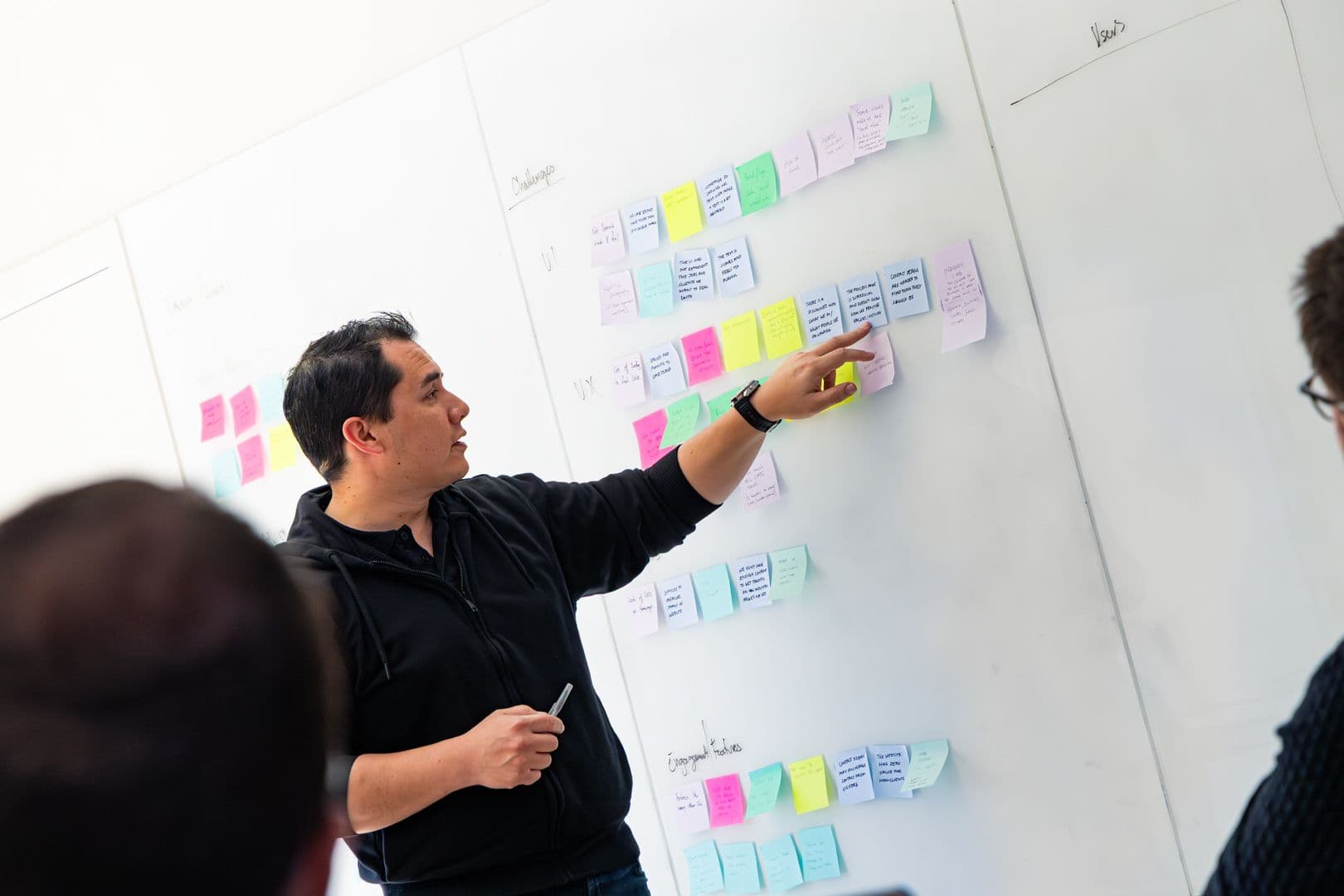
A team member pointing at a wall of coloured sticky notes during a workshop

What does a modernisation assessment cover?

An assessment tells you whether to keep, wrap, rebuild or replace a system, and in what order. We look at what it still does well, what it blocks, what breaks if the one person who knows it leaves, and what it costs to keep running.

Often the answer is to wrap the old system and move one piece at a time.

The old system still works. That is the reason nobody has costed what it takes to keep it running.

What does modernisation cost?

A staged plan with a price per stage, not one number for everything.

Start with a $9,000 workshop

A fixed $9,000 + GST Rapid Insight Workshop works out what the queue of unmade changes is costing you. That number, not the licence, is the business case.

Price it per stage

Scope shows up as you open the old code. A single fixed price for the whole job either hides a big contingency or gets renegotiated.

Budget for the migration

The expensive part is rarely the new build. It is moving the data and running both systems side by side until the new one is trusted.

Amplify or Apex

One system runs as a fixed-price Amplify build. A program across several systems runs as Apex, so the order can change with what the code reveals.

How a modernisation runs

Read the system, not the documentation (2–4 weeks)

We go through the code, the database and the actual usage to establish what the system does, what is dead, and which rules the business depends on. Most systems turn out to have a third of their features in genuine use.

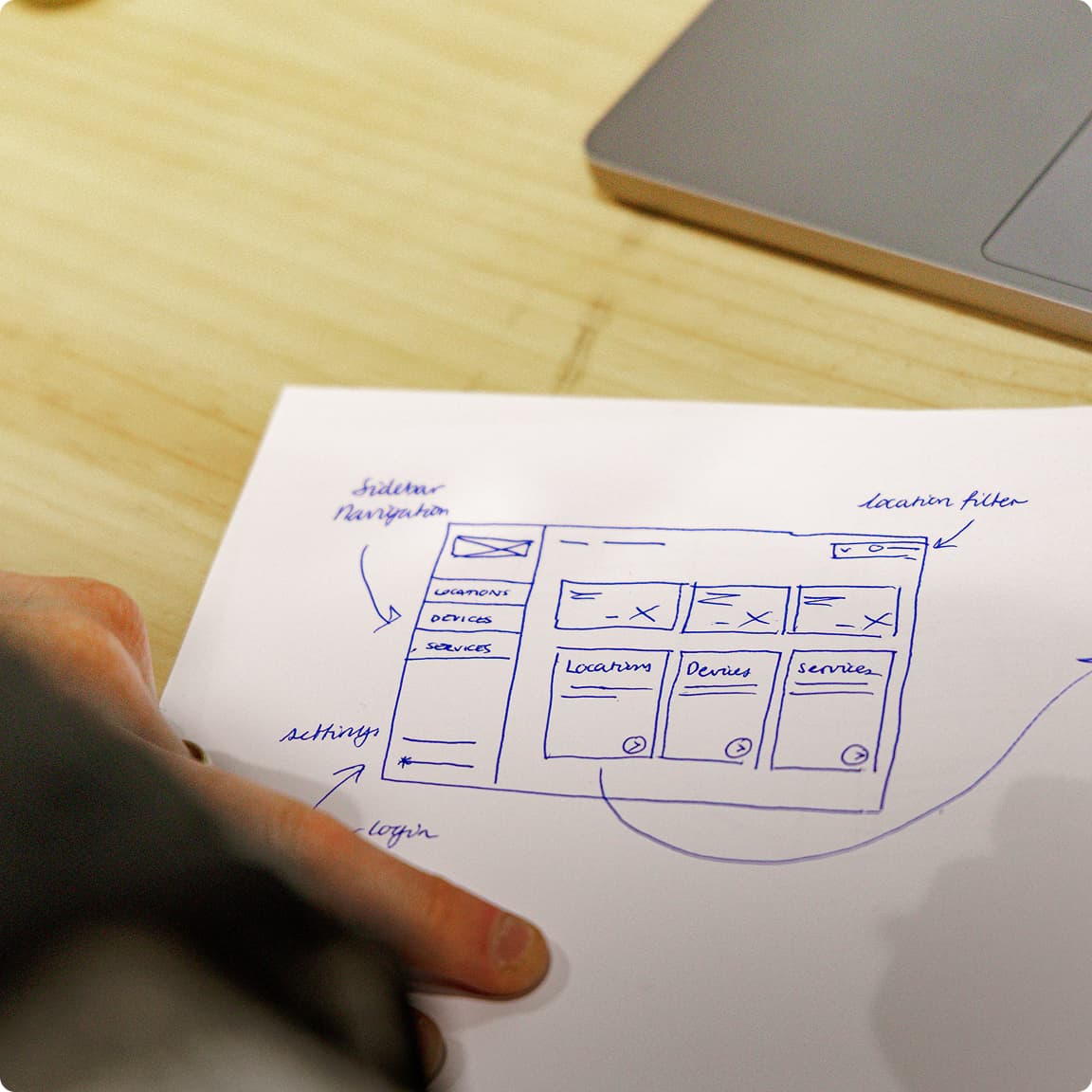
A hand-drawn wireframe sketch on paper showing sidebar navigation, locations, devices and services

Take the risk off first (4–8 weeks)

Supported hosting, backups that have been restored from at least once, and monitoring. This is the least visible stage and the one that stops the project being overtaken by an outage halfway through.

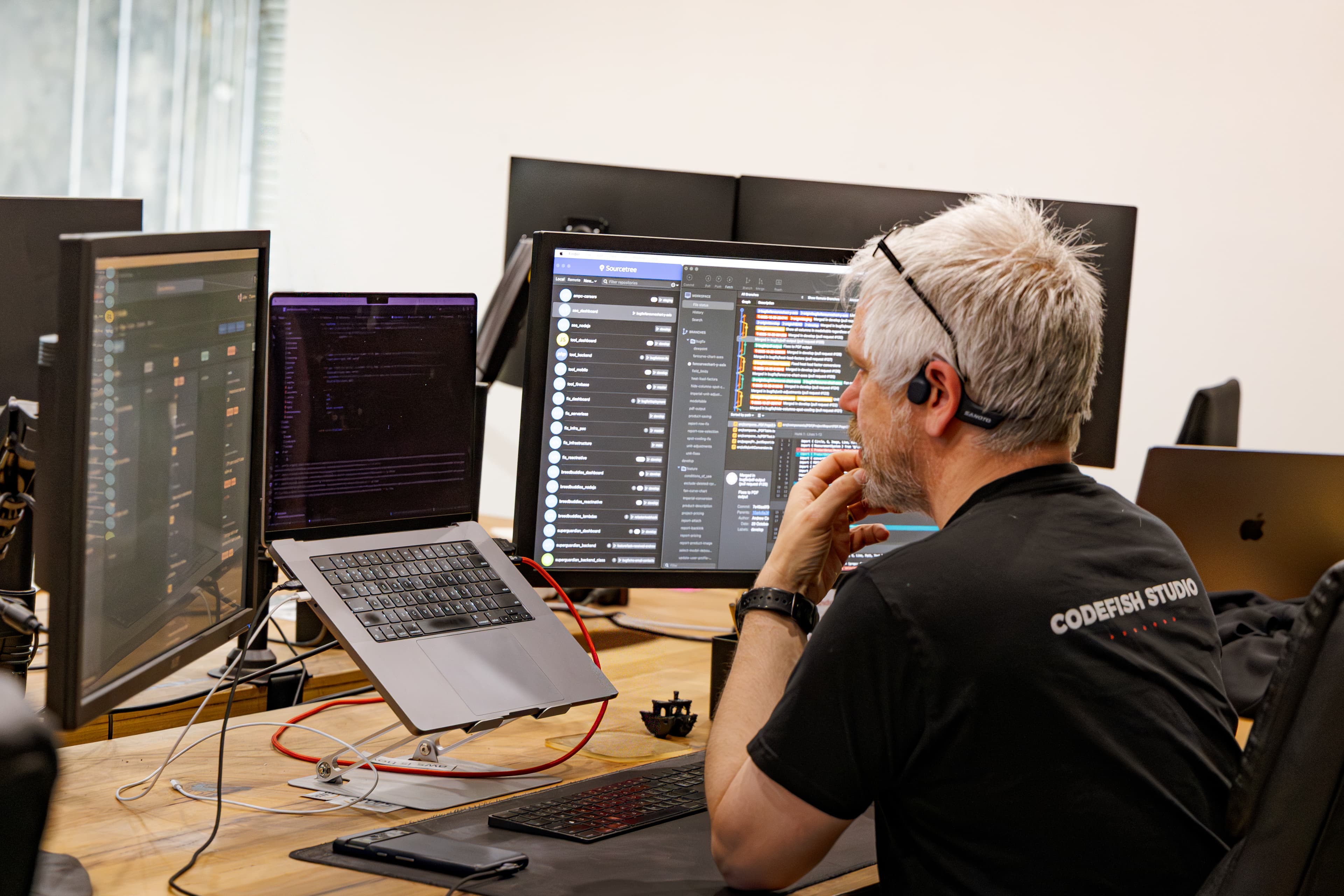
A CodeFish developer working across three monitors, reviewing code and version history

Move it in slices, in parallel

One area at a time, running beside the old system with data flowing both ways until the slice is trusted. Cutovers happen per area, not as a single weekend everyone dreads.

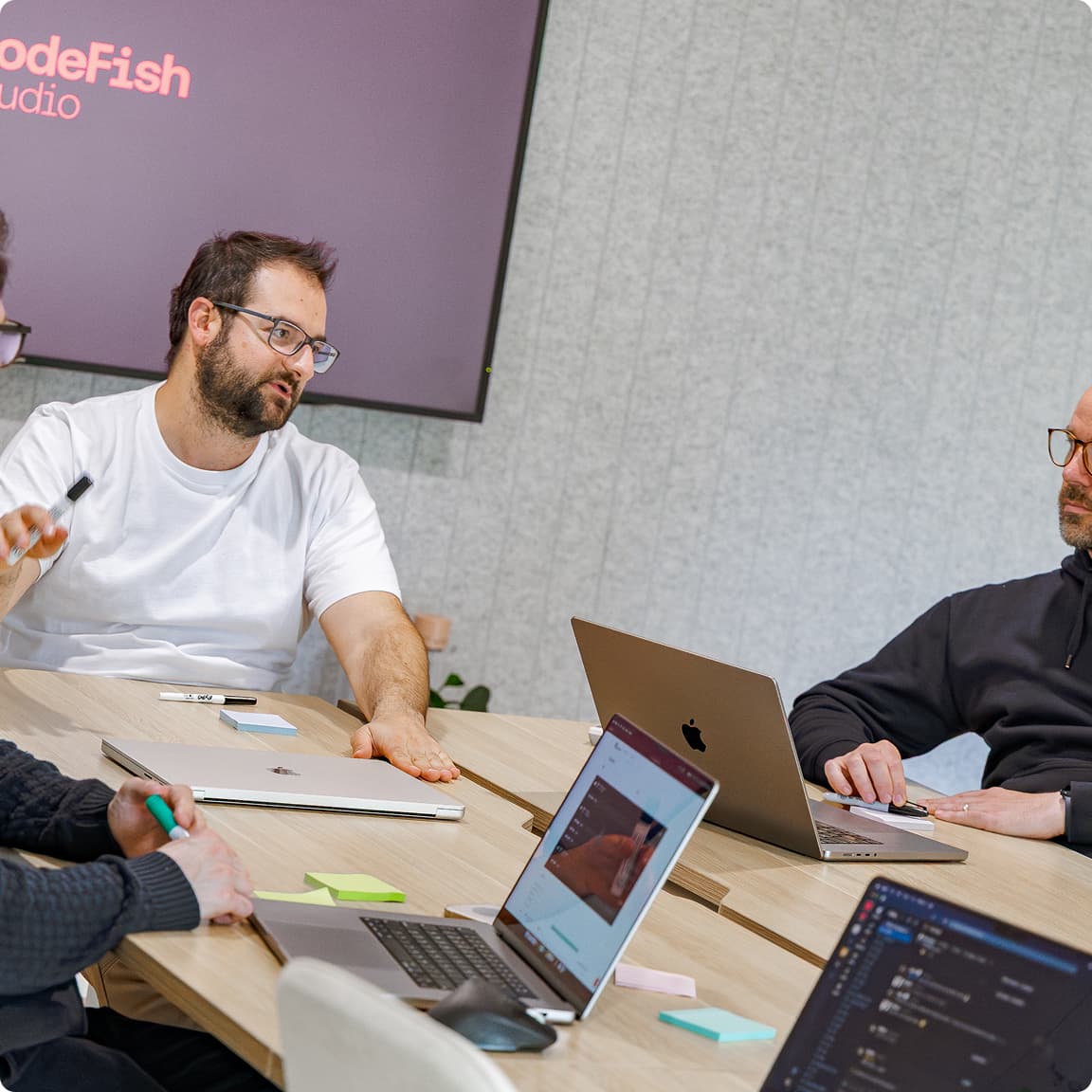
Four CodeFish team members working through a problem around a table of laptops, CodeFish Studio sign on the wall

Modernisation questions we get asked

Three tests. Can you still change it in a reasonable time, can you still run it safely, and can you still get your data out. A no on safety — an unsupported platform holding customer records — is urgent. A no on change speed is a cost you can put a number on, by counting the requests sitting in the queue and what each one would have been worth. Age on its own is not a reason to replace anything.

Yes, and that constraint shapes the whole plan. The old and new systems run in parallel for a period, with data flowing between them, and each area cuts over when it is trusted rather than everything moving on one weekend. It costs more than a big-bang cutover and it is the difference between a modernisation and an outage.

It is the normal starting point, and it is the largest single variable in the price. We recover the rules from the code, the database and the way the system is actually used rather than from documentation that either does not exist or has not been true since 2016. Budget real time for this stage — skipping it is how a rebuild ends up missing the rules the business runs on.

Buy where the process is standard — accounting, payroll, CRM. Build where the system encodes how you specifically win, which is usually true of the one system nobody can find a product to replace. That is often exactly the legacy system, and it is why it lasted twenty years.

It gets triaged, not copied. Some of it is current and moves. Some belongs to rules that no longer apply and moves in a read-only form. Some is bad rows that were never cleaned and get fixed or dropped on a decision you make, not one we make quietly. The migration is written as code and rehearsed repeatedly, so the real cutover is a rerun of something that has already worked.

Because you inherit twenty years of accumulated behaviour, including the workarounds for problems that no longer exist, and you spend a year to arrive at the same constraints in a newer language. Modernisation is worth doing when it changes what the business can do next — otherwise it is an expensive way to change the font.

Ready to build something great?

Local partners, global standards – full service design and development.