Workflow Automation Software

Workflow automation software moves a job through its steps and its people without anyone chasing it. This page explains the five workflows worth automating first, when to buy a platform instead of building, what it costs an Australian mid-market business, and the four reasons these projects fail.

Workflow automation software means nobody has to chase the job through your business.

What is workflow automation software?

Workflow automation software moves a piece of work through its steps, approvals and handoffs automatically — routing it to the right person, chasing what is late, recording what happened, and only involving a human where a decision is actually needed.

We build workflow automation for Australian mid-market operations teams — typically $10–50M businesses where a process has outgrown email and spreadsheets but no off-the-shelf system fits it. The symptom is always the same: someone senior spends part of every day finding out where things are up to.

The difference from task automation is scope. RPA does one computer task; workflow automation owns the whole path a job takes from request to done, including the people on it.

The five workflows worth automating first

In an operations business these five come up again and again, and they are usually where the fastest return sits. Ranked by how often they pay back inside a year.

Approvals

Purchase orders, quotes, leave, credit, variations. The work is not the decision — it is the chasing, the forwarding, and nobody knowing who is sitting on it. Automated approvals route by rule, escalate on time, and leave an audit trail.

Onboarding

New clients, staff, suppliers, sites. A long checklist held in someone's head, with compliance documents that must be collected before work starts. Automation runs the checklist, collects the documents, and blocks the step that is not ready.

Intake and triage

Requests, jobs, claims and enquiries arriving by email, form and phone into one pile. Automation captures them in one queue, classifies them, and routes each to the right person with the right priority.

Compliance and evidence

Checks that must happen on a schedule, with proof kept: inductions, inspections, certifications, reviews. Automation runs the calendar, chases the evidence, and produces the record an auditor asks for.

Reporting and status

The report rebuilt by hand every Monday and the update meeting that exists because nobody can see the numbers. Automation assembles it from the source systems and sends it, so the meeting is about decisions instead of data collection.

The step underneath all five

Every one of these workflows fails if the systems behind it do not share data. Integration is not an add-on to workflow automation — it is usually the majority of the build.

Should we buy workflow automation software or build it?

Buy the platform when your process looks like everyone else's; build when the process is how you compete. A tool like a no-code workflow builder is the right answer for standard approvals, simple forms and light routing — it is cheap, fast, and your team can change it without a developer.

Building is worth it when the workflow has rules nobody else has, when it must sit inside systems that do not integrate cleanly, when the volume makes per-user licensing expensive, or when the process is the operational advantage you are not willing to fit into someone else's template. We recommend the platform where the platform fits — there is no margin in selling a build that a $50-a-month tool would have covered.

The hybrid is the most common outcome in practice: an off-the-shelf tool for the generic parts, a custom layer for the two or three steps that are genuinely yours.

How much does workflow automation software cost?

Every workflow project starts the same way: a Rapid Insight Workshop at a fixed $9,000 + GST. The workflows get mapped as they actually run, with hours and error cost attached to each, and the roadmap says which to automate, which to buy an off-the-shelf tool for, and which to delete outright. The roadmap is yours whether or not you build with us.

What the build costs depends on what the workshop finds, and the driver is almost always integration rather than the workflow itself — how many systems it has to read from and write to, and how clean that data is. A defined build is quoted fixed-price as an Amplify project before anything starts. Where the workflows keep changing as the business grows, it sits inside an Apex partnership instead.

Where a $30-a-month tool would do the job, we will tell you to buy the tool. There is no margin for either of us in a build you did not need.

How a workflow automation project runs

Map the real path (1 week)

We follow the work with the people who do it and record every step, handoff and workaround. Steps that add nothing get flagged for removal, not automation — that is usually the cheapest win on the board.

Two CodeFish team members in discussion across a meeting room table, one taking notes

Build the first workflow (3–8 weeks)

One workflow, end to end, with exceptions designed in and a named owner who can change the rules. It runs alongside the current process until the team trusts it.

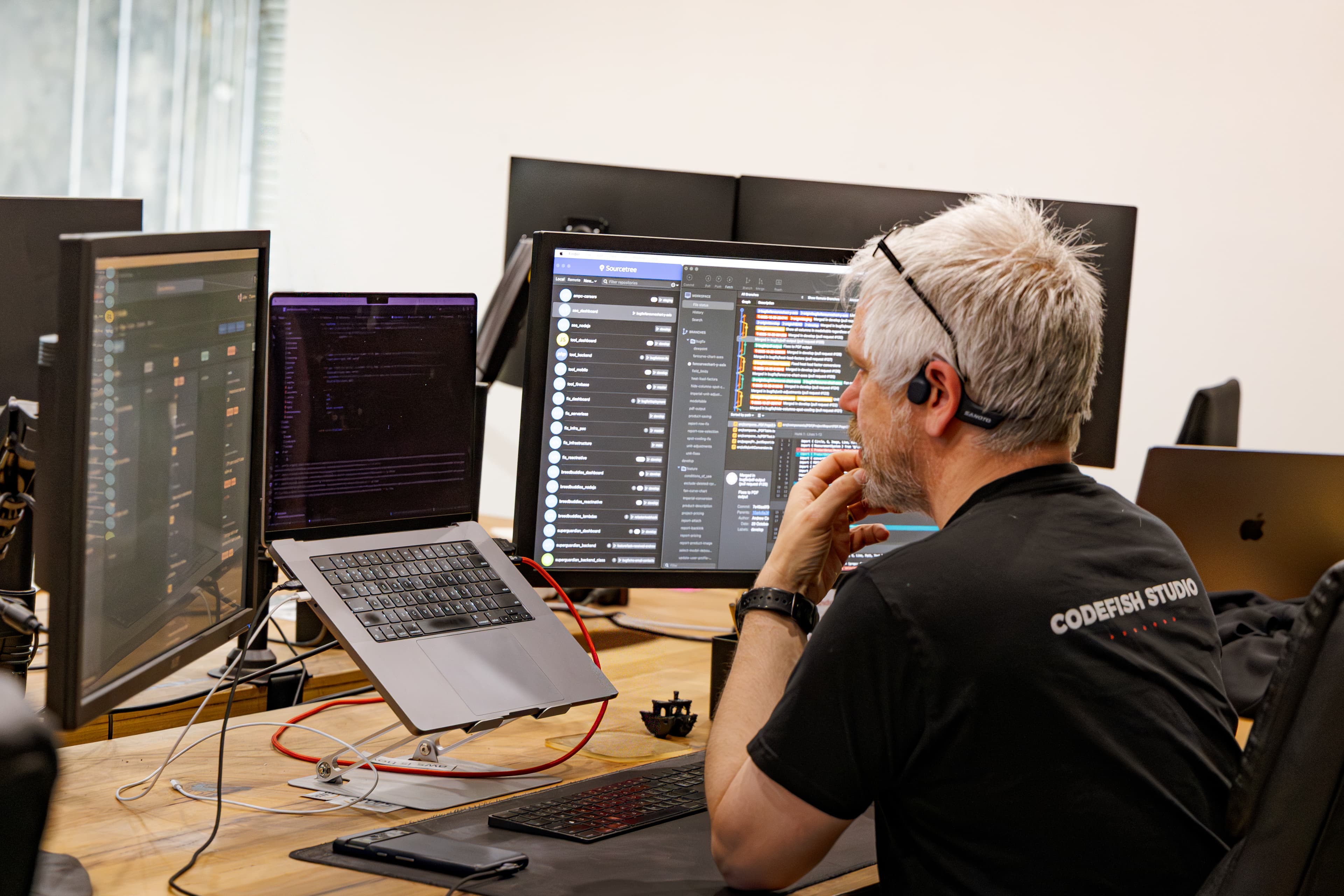
A CodeFish developer working across three monitors, reviewing code and version history

Measure, then extend

Hours returned, turnaround time, and how often work stalls — measured against the before figure. The next workflow goes in only if the first one moved the number.

Four CodeFish team members working through a problem around a table of laptops, CodeFish Studio sign on the wall

Workflow automation questions we get asked

Most processes run differently to how the manual describes them, and differently again between two people doing the same job. Automating before the actual path is mapped bakes in one person's version and everyone else works around it. Map it as it runs, not as it is meant to run.

In operations the exceptions are the work. If the automated path handles the clean case and everything else falls into an inbox, the manual work comes straight back with a new step added. Design where exceptions go, who owns them, and how they re-enter the flow — before the happy path is built.

Faster routing of work that should not exist is not a win. If the approval adds no value, delete the step rather than automating it. The best workflow projects remove more steps than they automate.

A workflow encodes rules, and rules change — pricing, thresholds, delegations, staff. Without a named owner and a way to change the rules without a developer, the automation drifts out of line with the business and people quietly go back around it.

Workflow automation moves a job through its steps and its people; RPA performs one repetitive computer task inside a step. An approval that routes itself and escalates when late is workflow automation. The robot that then enters the approved order into the ERP is RPA. Most operations problems need both, and they are normally built in the same project.

Yes, and that is the usual case. Where both systems expose an API we connect them directly so data flows once; where a system is closed we work around it with a file exchange or a robot at the screen level. The integration work is normally the larger half of the build, which is why it gets scoped before anything is quoted.

Three to eight weeks for one workflow once the path is agreed and system access is available. The delay is rarely development — it is settling what should happen when the data is wrong or a step is skipped. That gets decided in the workshop, before the build starts.

Some of them, yes. Automating a process that is broken makes the bad outcome arrive faster and harder to see. The workshop separates the workflows that are simply manual, which automate well, from the ones that are genuinely broken, which need the process fixed first. We would rather tell you that than sell the build.

Four things: they map the process as it actually runs before quoting; they recommend an off-the-shelf tool when one fits; exceptions are designed for rather than ignored; and someone in your business can change the rules afterwards without paying a developer. If a partner cannot explain who owns the workflow after launch, the project is not finished.

It should, and that is a design decision made up front. Rules that change often — thresholds, approvers, pricing bands — belong in configuration your team controls, not in code. Rules that never change belong in the build. Getting that split right is the difference between an automation that lasts three years and one that is abandoned in six months.

Ready to build something great?

Local partners, global standards – full service design and development.