Intelligent Automation

AI automation that handles judgement, not just fixed rules. We map the process first, then automate what actually slows your team down.

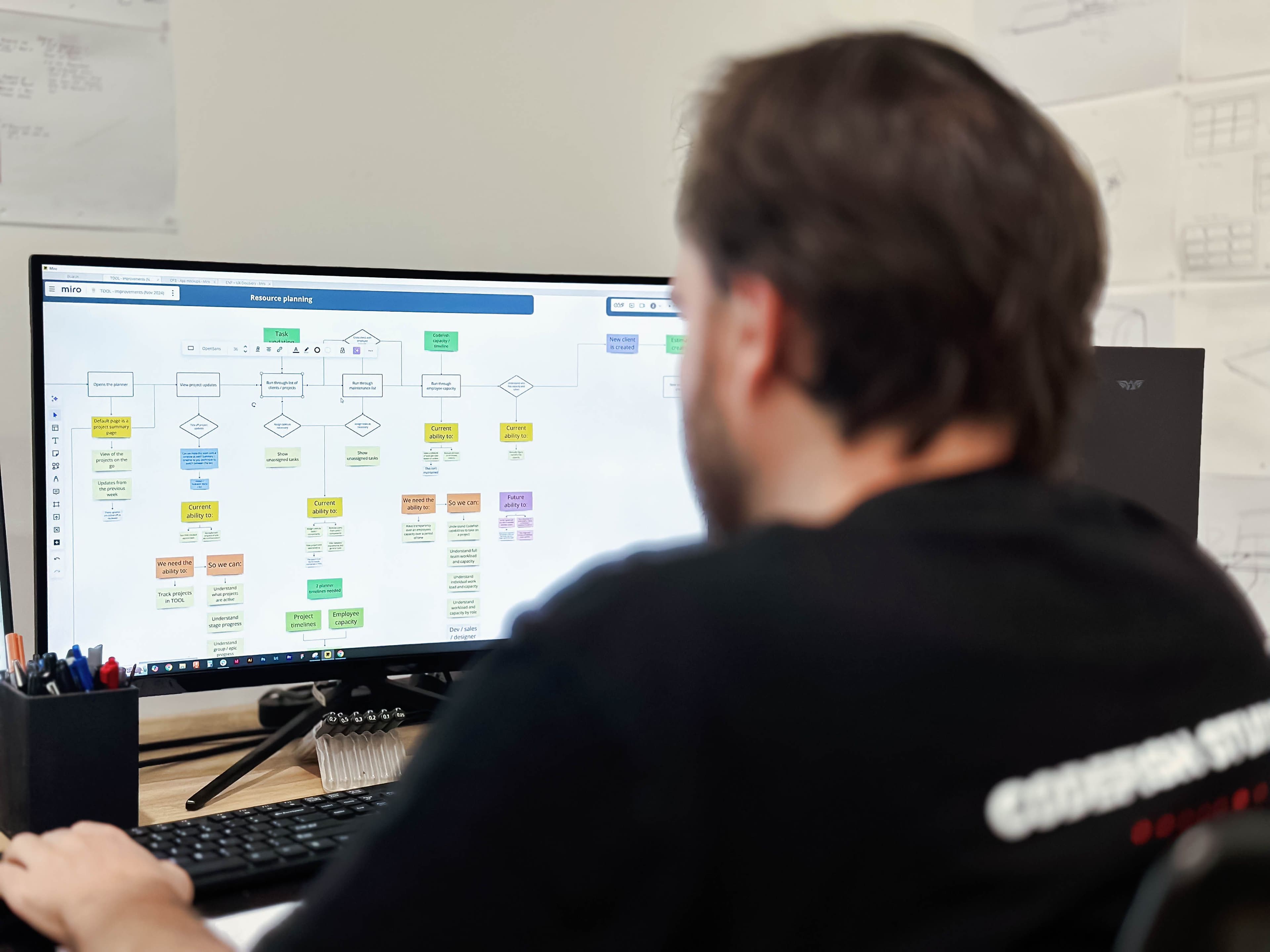
A team member at a monitor reviewing a colour-coded business process flow diagram

Where does rules-based automation give up?

RPA and rules-based tools work when every input looks the same. They break on an invoice in a new format or an email that doesn't fit the template.

That messy work is where most manual hours live. We use rules for the routine cases and a model for the rest, so only real exceptions reach a person.
What is AI automation?

AI automation is software that finishes a business task end to end. A model handles the steps that need reading, sorting or deciding. "Intelligent automation" is the industry name for the same thing.

We build it for Australian mid-market operations teams in logistics, manufacturing, food and services. Rules handle the routine, a model handles the exceptions, and a person steps in wherever a wrong call is costly.

What can we automate?

Four kinds of work where people are still the glue between systems.

Workflow and process automation

Approvals, hand-offs, status updates and data moving between systems, so nobody has to chase a job through the business. We follow the work with the people who do it, cut the steps that add nothing, then automate one workflow end to end with the exceptions designed in.

Document and data understanding

Invoices, forms, emails, and reports that arrive in a different shape every time. We read, classify, and extract what matters from unstructured inputs — the judgement layer that rules-based tools cannot handle.

AI agents in the workflow

Where a task needs reasoning rather than a fixed rule, an AI agent handles it inside your process and escalates when it is unsure. The foundation for connected data and agent capability as your operations mature.

One source of truth

Disconnected tools that do not talk force people to be the integration. We connect your systems so data flows once and every team works from the same numbers, not five spreadsheets that disagree.

What does an automation look like day to day?

Take a freight business where two people spend each morning keying proof-of-delivery dockets that drivers photograph and email. A model reads each docket for the job number, signature and notes; rules check them against the transport system. When everything matches, the job closes and moves to invoicing.

Mismatches land in a short queue with the photo and the reason. The number agreed up front is the morning those two people get back and how much sooner jobs reach invoicing.

Automation is not the goal. Capacity is — hours back for work that needs a human.

How an automation project runs

Map where the time goes

We map the process as it actually runs, not as the manual describes it. Where does the effort concentrate, where do the exceptions cluster, and which steps are pure copy-and-paste. That map tells us what is worth automating.

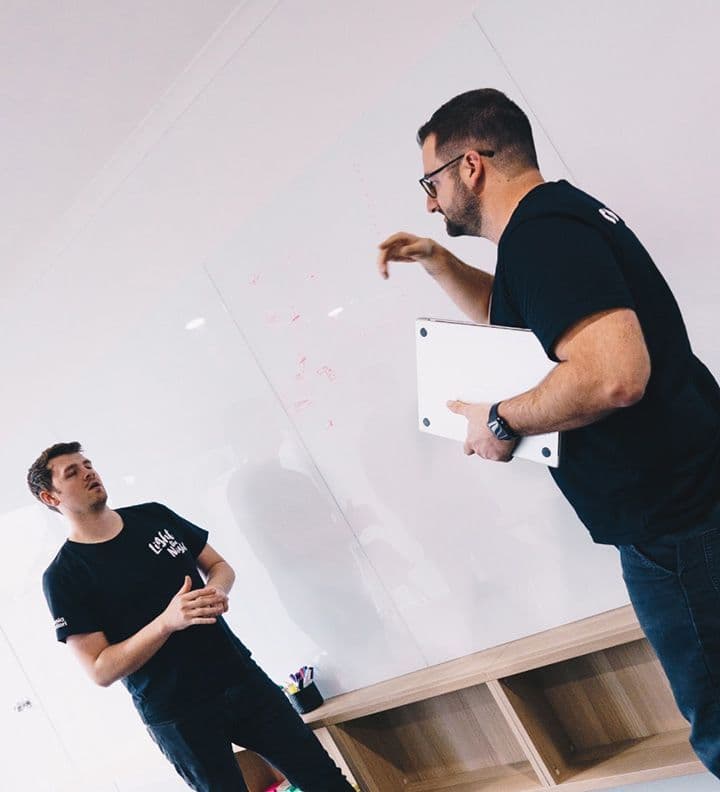
CodeFish Studio team members in a workshop

Automate the routine, flag the exceptions

We automate the cases that follow a pattern and design clean handoffs for the ones that do not. The aim is not zero humans, it is zero wasted human effort on work that never needed judgement.

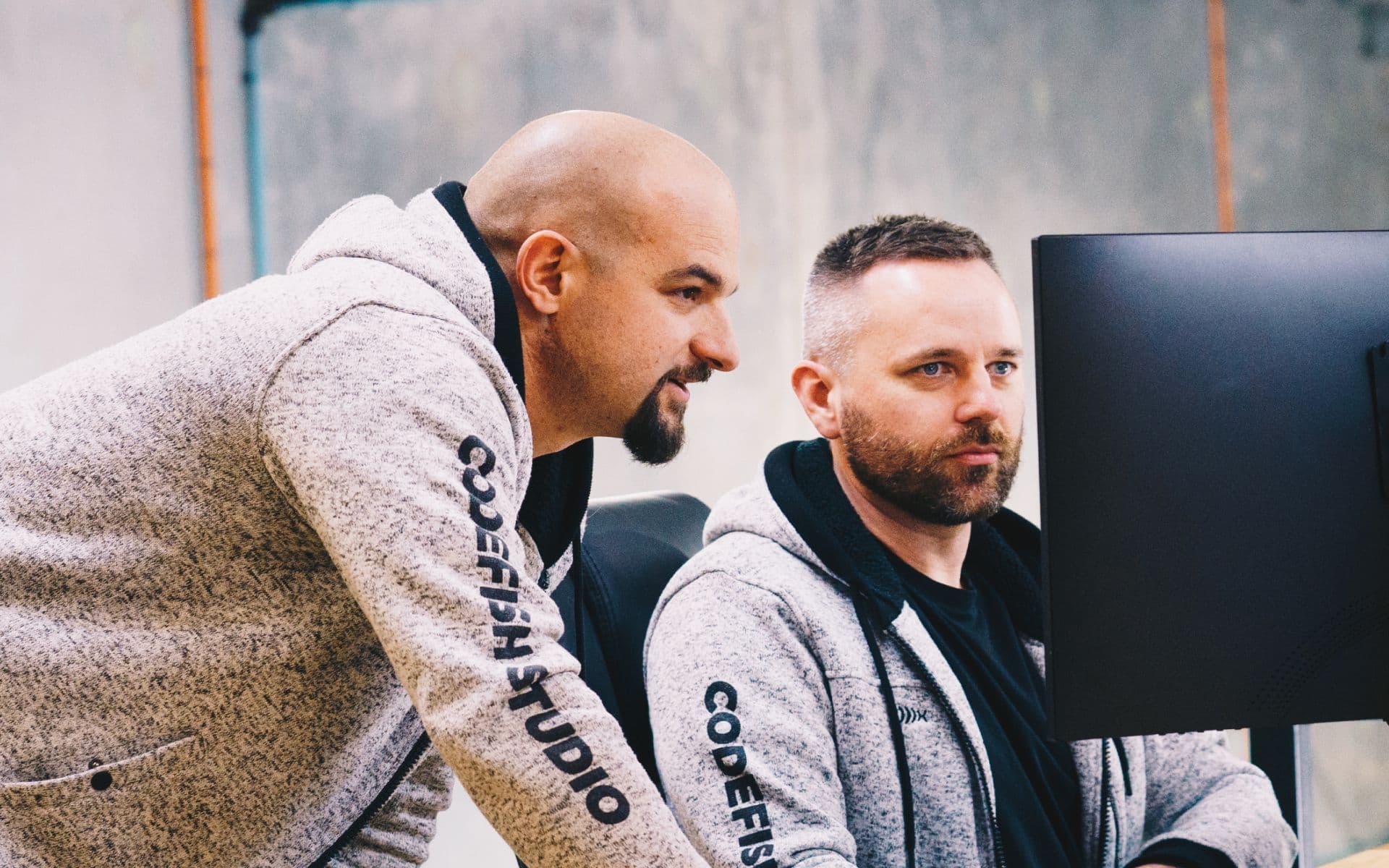
CodeFish Studio team members collaborating on a project

Measure the hours returned

Every automation is tied to a number: hours returned, errors cut, turnaround reduced. We measure it against that target and tune it. Automation that does not move the number gets reworked or removed.

Automation questions we get asked

The honest answer comes from mapping the process first. As a rule, anything high-volume and pattern-based is a strong candidate: data entry and reconciliation, document processing, status chasing, and moving information between systems. We start by mapping where the hours go, then automate the work that is worth removing — not everything that can be automated.

Rules-based automation and RPA are excellent when the input is predictable and never changes. They break the moment reality gets variable. Intelligent automation adds a layer of judgement — reading unstructured inputs, classifying variable cases, and routing decisions — so the messy, real-world work that RPA chokes on flows through automatically and only true exceptions reach a person.

Not before we start, but readiness is part of the work. AI and agentic automation cannot be implemented unless the operational foundation is ready — clean processes and connected data. We assess that early, and where the groundwork is missing we build it as part of the engagement rather than bolting AI onto a broken process.

You measure hours returned by timing the job before it is automated and counting what still reaches a person after. Before we build, we sit with the people doing the work and time it: how many items a day, how long each one takes, how many need a second look. That gives a baseline in hours a week. Once the automation is live, every run is logged, so we can count how many items went straight through and how many landed in the exceptions queue. The difference is the hours returned, reported weekly against the number agreed at the start.

When the automation is unsure or wrong, the item goes to a person instead of going through. Each step has a confidence check. If the model cannot read a field, or the result does not match what your system expects, the item stops and lands in a review queue with the original document and the reason it stopped. Nothing is posted to your accounting or job system on a guess. Early on, we set the checks tight so more items go to review, then loosen them as the logs show where it is reliable. Every decision is logged, so you can always see why an item went the way it did.

The first automation is usually live within weeks, not months, because we start with one job rather than a programme. Mapping the process takes a few working sessions with the people who do it. The build follows, then a period where the automation runs alongside your team and every result is checked before anyone relies on it. The timeline depends most on access: how quickly we can connect to the systems involved, such as your accounting package or job system, and get sample documents. We confirm the timeline when we scope the job, before any build starts.

No. The aim is not zero humans, it is zero wasted human effort on work that never needed judgement. Automation returns hours to your people so they spend them on the work that actually requires a person — the work that grows the business. In practice, we involve the people who do the job from the first mapping session. They know where the exceptions hide, they help set the checks, and they work the review queue once it is live. That is usually what turns early worry into support: the automation takes the part of the job they liked least.

Priced before any work starts. For a clear brief we can quote directly; for larger or judgement-heavy processes we run a short scoping step first, define exactly what is being automated and what it is worth in hours returned, and quote from that. You get a real number, not a rate card. If you want the build itself at a fixed price, it runs as an Ignite or Amplify engagement.

Automation that touches records or makes decisions needs to be auditable, so every run is logged with its inputs, its output, and the rule it applied. That log is what turns an automation into something an auditor or a regulator can review. Access is scoped so the automation reaches only the systems and fields it needs. Your data stays in an environment you control and is never used to train anyone else's model. If a wrong decision carries legal or safety exposure, we design a person into the path rather than automating it away.

What do we build with?

  • Python

  • Node.js

  • TypeScript

  • OpenAI

  • LangChain

  • n8n

  • AWS Lambda

  • REST APIs

  • Webhooks

  • PostgreSQL

  • Airflow

  • Docker